Between cutting and shipping, parts disappear
What you can’t track, you pay to find twice.
-
Labor spent searching for parts and orders
The parts were cut hours ago. They are on a pallet, on a cart, or on the floor, and somebody is paid to walk around until they turn up.
-
Production delays from a missing component
An order sits half finished and a machine sits idle, because one component in the middle of it cannot be found.
-
Rework from “lost” parts
The part exists. It was cut, it was good, and nobody could find it, so it gets cut a second time on new material.
-
Monday-morning backlog and recovery
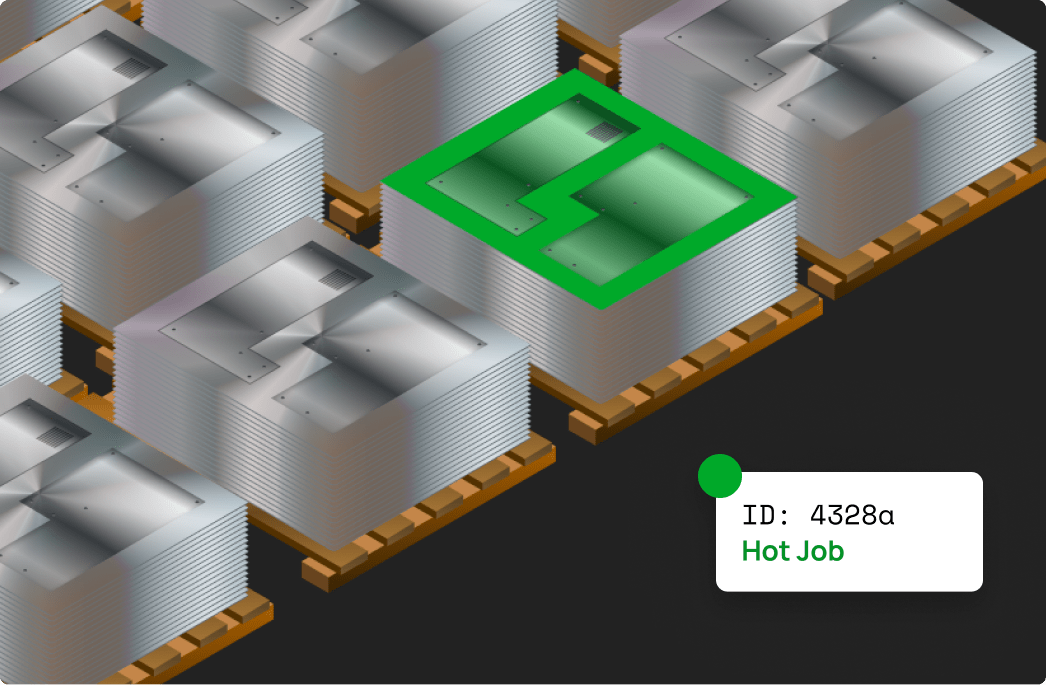
You have run jobs all night. Five pallets, sixty work orders, multiple nests, and no record of what is where.
How it fits
Track every part from the cut to the truck.
MxSystem is shop floor data collection, built from plug-in modules and coordinated by one central manager. It picks a part up as its sheet is cut and keeps hold of it through breakout, sorting, pallet, and ship.
MxManager is the hub: every station and pallet connects through it, and nothing counts until it is online.
Traceability
Heat and lot numbers travel with every part.
The heat and lot number is captured once, with the material, and it stays on the part record everywhere the part goes. Part counts, cycle times, and material usage travel with it.
The record that travels
- Pallet
- P-118
- Order
- WO-4821
- Parts
- 42 / 42
-
At the cut
The nest, the sheet, and the material are captured as the sheet is cut, with the heat and lot number attached to them.
-
Through breakout
The pallet of cut sheets gets a unique, traceable ID, and the number stays on the part record as parts are broken out and sorted.
-
Back in your ERP
The transaction posts to your business system with the heat and lot number still on it, allocated against the order.
Passing that data back to your business system requires MxMrp.
The parts
Six modules, one hub.
MxSystem is assembled from modules a shop buys as needed, all coordinated by one central manager.
-
MxManager
The central hub
Every other module connects through MxManager, which gathers part handling, job status, machine activity, and workflow progression as they happen. Nothing processes until it is running.
-
MxStation
Breakout and de-nesting
Breakout is where parts go missing. Operators get a live display of what to process, where it goes, and what is needed next, and priorities can be reordered from the office.
-
MxLabel
Labels and tickets
Labels are generated as jobs progress, each carrying the part details, the job status, the destination, and a picture of the part. Change a priority and the labels follow.
-
MxMrp
Analytics and ERP passback
Cut times, part counts, material consumption, scrap, and lot numbers, captured without anyone keying them in. It runs stand-alone, or posts the same data back to your business system.
-
MxReport
Production documentation
Reports in the shape your team already thinks in, colour-coded by workflow, department, or customer, with barcode support so a scanned part lands straight in the record.
-
MxPallet
Batch and unattended runs
After a lights-out run, every sheet and part is already recorded against the pallet it landed on, with its own traceable number. A stack coming off the laser can be worked like a single sheet.
Not every shop needs every module. Which ones ship is set by the sales order.
What changes on the floor
Every part accounted for. Every job moving.
-
Nothing lost
A part that is tracked and labeled does not get cut a second time.
-
Less wasted labor
People move parts instead of hunting for them.
-
A delivery schedule you can trust
See what is where, and give a ship date you can stand behind.
-
Traceability built in
Heat and lot numbers travel with the material and post back with accurate quantities.